CruxOS · The Insurance Operating System

Run your agency’s work in Crux.

Your branded AI agent, built into one home base for your team. Run applications, quotes and everyday work across your AMS, CRM, email and carrier portals.

New application readyHarbor & Pine / General liability
Cancellation requestNorthline Transport / Non-payment
Marketing opportunityRed Bluff renewal / Quotes returned
Loss runs retrievedRed Bluff / Five-year loss history
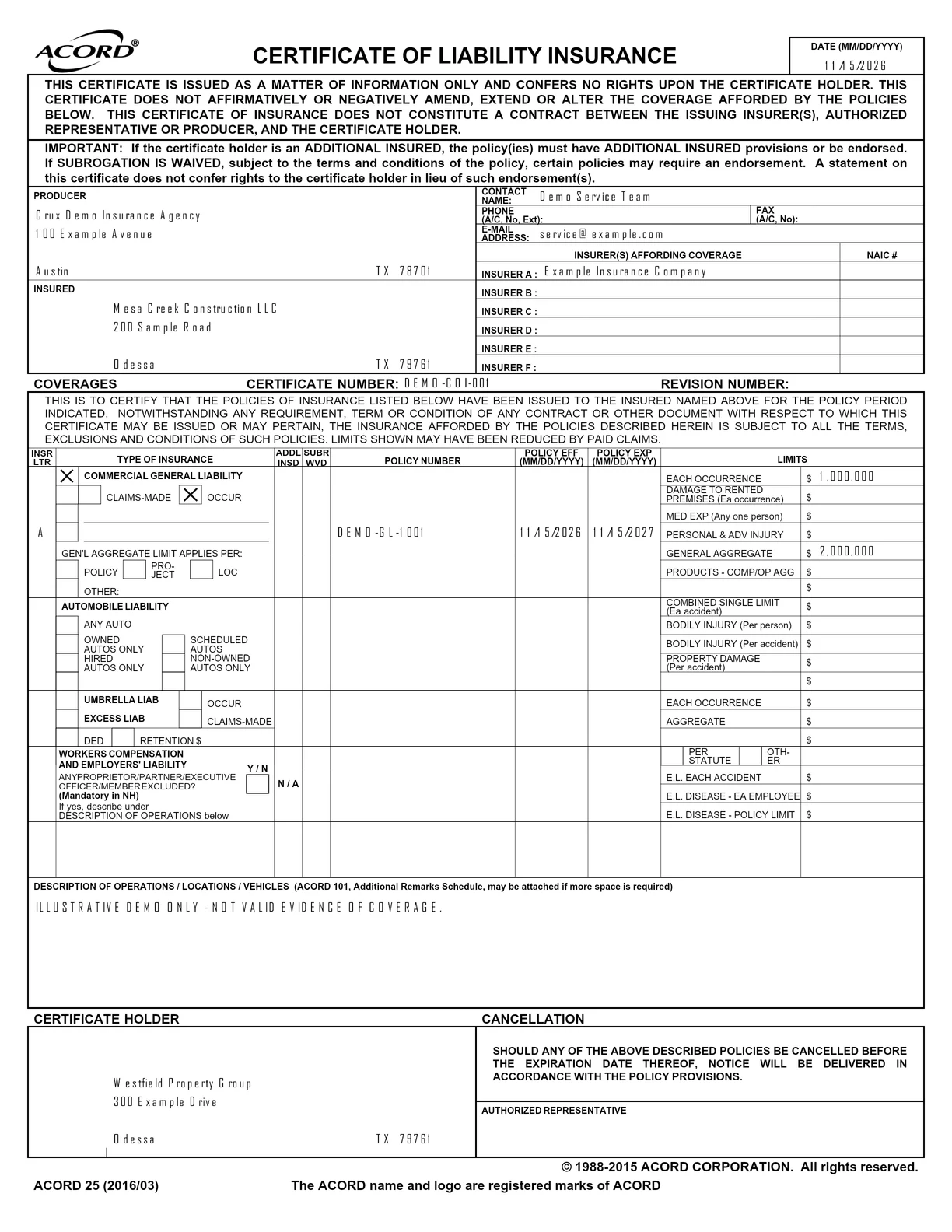
Certificate of insuranceMesa Creek Construction

New application ready

Harbor & Pine / General liability

Customer record + supporting documents Prepared

Commercial General Liability

Named insuredHarbor & Pine LLC✓
OperationsRetail home furnishings✓
Annual sales$4,200,000✓
Locations3 scheduled premises✓
Each occurrence$1,000,000✓
General aggregate$2,000,000✓
Requested coverage · Location schedule and prior coverage attached.
Application ready for review
Ready for review
Illustrative workflow

Works with the systems you already use

  • Applied Epic
  • AMS360
  • HawkSoft
  • QQCatalyst
  • AgencyZoom
  • Momentum
  • Salesforce
  • HubSpot
  • Gmail
  • Outlook
  • Slack
  • SharePoint
Do your day-to-day in Crux

Out-of-the-box features. Ready on day one.

SOC 2 Type II · HIPAA

Live here. All day.

See how your team handles applications, submissions and everyday requests in Crux.

Explore the platform →

In our customers’ words.

Leticia Trevino
“Our mission is to give agents more time to sell and insureds an easier way to manage their policies. That required a technology partner who understood our vision and how this industry truly operates. Crux did, and they built exactly what we needed.”
Leticia TrevinoCEO

Mavrix Insurance Services

Included with Crux

Your work. Your way.
Built on Crux.

The tools to run your insurance operations, connected in one platform. Start with what you need. Build on it as your business grows.

Branded AI Agent

Crux was built around the agent. Give it your brand, voice and procedures, then ask it to work in the app. It prepares applications, retrieves information and runs workflows using the access you provide. Your team handles approvals and decisions that need a person.

  • Conversations that do workAsk about a record or ask the agent to act. The conversation keeps the request and its context together.
  • Less manual data entryPopulate forms and records from customer documents, without adding a VA for routine rekeying.
  • Your insurance proceduresGive the agent your instructions and system access. Missing details and approvals come back to your team.
Branded AI Agent

Illustrative product view

Customer 360

See the relationship and the risk in one place. Customer details, policies, documents and activity sit alongside ACORD-based data for their business, locations, vehicles, drivers and loss history.

  • The whole customerKeep customer details, policies, documents and activity connected so your team has the context to help.
  • Insurance data, structuredCapture risk details using ACORD-based fields and reuse them across forms and applications.
  • Ready for the next stepSubmissions, certificates, proposals and renewal prep all read from it.
Customer 360

Illustrative product view ? Swipe to explore

Forms & Applications

Insurance forms out of the box, or build any form you need. The documents a client already sent fill what they can, and the agent asks for the rest rather than guessing.

  • Ours or yoursStart from the ACORD-backed set, or build a form for a program that is only yours.
  • Extraction firstValues the attached documents already answer land in the form, each one traceable to where it came from.
  • Ask for missing detailsThe agent asks for information missing from the source documents.
Forms & Applications

Illustrative product view ? Swipe to explore

Document Extraction & Data Normalization

Applications, schedules and loss runs arrive in different formats. Crux reads the details and maps them into structured fields your forms, records and workflows can use. Missing information comes back for review.

  • Read the documentsPull details from the files your customer already provided.
  • Make the data consistentMap different labels and formats to the same insurance fields, using ACORD-based structures where applicable.
  • Use it againCarry the extracted information into records and applications without retyping it.
Document Extraction & Data Normalization

Illustrative product view

Marketing Opportunities

Name your own stages and work them the way your agency already sells. Every carrier submission lives on the opportunity, with its current status and returned quotes.

  • Your stagesThe picklist is yours to set. Crux does not impose a pipeline on your producers.
  • Submissions attachedEach carrier, its status and what came back, on the opportunity itself.
  • Track submission statusSee submission status alongside your sales stages.
Marketing Opportunities

Illustrative product view ? Swipe to explore

Portal Automation

Connect through a carrier API where available, or automate portal steps using stored credentials. Questions that need your team arrive as tasks.

  • The carrier’s own portalNo waiting on an integration that the carrier has no plans to build.
  • Credentials stay vaultedIncluding the second factor. The agent never hands them anywhere else.
  • It stops and asksA question the file cannot answer becomes a To Do, open at the step, not a silent failure.
Portal Automation

Illustrative product view ? Swipe to explore

Proposals, E-signatures & Payments

Create a dynamic proposal from your quotes. Give customers one place to review the options, sign documents and choose from the payment options you provide.

  • Dynamic proposalsPresent quote options, coverage details and supporting documents in your brand.
  • E-signatureInclude the documents your customer needs to review and sign.
  • Payment optionsOffer the payment choices available for the selected policy.
Proposals, E-signatures & Payments

Illustrative product view

Workflows & Tasks

Build workflows from your team’s renewal checklists and procedures. Steps that need a licensed person arrive in To Do with the record and documents attached.

  • Authored by your teamWrite the SOP the way you would explain it to a new hire; the editor turns it into steps.
  • Choose how each step runsEach node is a fixed action, an agent step, or a person, as the work requires.
  • Judgment stays yoursThe human step arrives with everything the workflow already gathered.
Workflows & Tasks

Illustrative product view ? Swipe to explore

Connections

Start with your agency management system, then connect your CRM, email, document storage and more. Crux can connect to any system with API connectivity, using the access you provide.

  • Keep your systemsBuild around the tools your team already relies on.
  • Put connections to workUse connected information in applications, records and workflow steps.
  • Choose the accessConnection permissions determine what your agent and workflows can use.
Connections

Illustrative product view

Customer Experiences

Let customers ask questions, share information and start requests in your brand and voice. Their details stay with the work, so your team can pick up with context already in place.

  • Your brand and voiceMake the experience feel like your agency, from the first question to the proposal.
  • An easier next stepHelp customers start an application, request a change or provide missing details.
  • Connected to your teamBring the request and its context into the workflow for your team to review and act on.
Customer Experiences

Illustrative product view

Your branded AI agent. Included with Crux.

Meet your new hire.

Give the busywork a new owner. Give your people their day back.

Your agent prepares applications from emails and documents, collects quotes and handles customer requests across the systems your agency uses.

Your procedures. Your agent.

Your name, brand and voice. Your procedures, run by your agent. When a step needs your team, the record and documents arrive with it.

A familiar face for your customers.

On your website, by email, text or phone, your agent answers questions, starts applications and helps customers request changes.

Built with you. Built for you.

Which workflow
should we start with?

Tell us what starts the work, what needs to happen and what done looks like. We will map the systems, scope the build and implement it on Crux with your team.

Let’s build itExplore Crux out of the box →